A Multi-Language Code Editor for Seamless Development
In the fast-paced world of software development, having an all-in-one coding environment can significantly boost productivity.
Program Planner 1.0 is an enhanced version of Language Plus, designed to support multiple programming languages while providing a seamless coding experience.
Developed using C#.NET 4.0 (Visual Studio 2010), this powerful editor is packed with features that simplify writing, compiling, and executing code across 9 different programming languages. Whether you are a student, professional developer, or coding enthusiast, this tool offers everything needed to write, debug, and execute code effortlessly.
Key Features
Multi-Language Support
Program Planner 1.0 supports a wide range of languages, including:
- Java – Ideal for enterprise applications and Android development.
- C & C++ – Suitable for system programming and performance-critical tasks.
- C# & Visual Basic – Perfect for Windows application development.
- HTML & JavaScript – Build and test web pages with ease.
- SQL – Write and manage database queries.
- PHP – Develop server-side scripts for dynamic web applications.
Enhanced Code Readability & Formatting
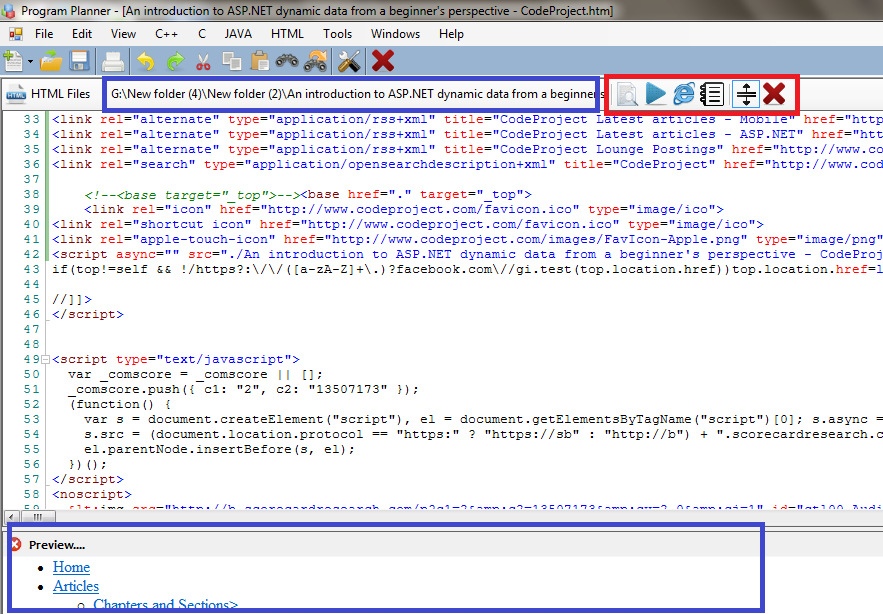
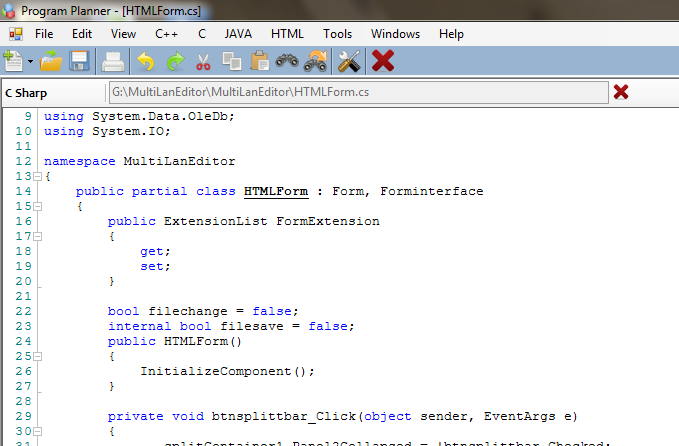
- Syntax Highlighting enhances readability by color coding keywords, variables, and comments.
- Code Alignment automatically formats code for a clean and structured appearance.
One-Click Compilation & Execution
Compile and run your programs instantly without requiring external terminals—simply write, compile, and execute with one click.
Productivity-Boosting Features
- Tabbed Browsing to manage multiple files simultaneously.
- Quick Access Tools, such as opening Notepad or your program directory instantly.
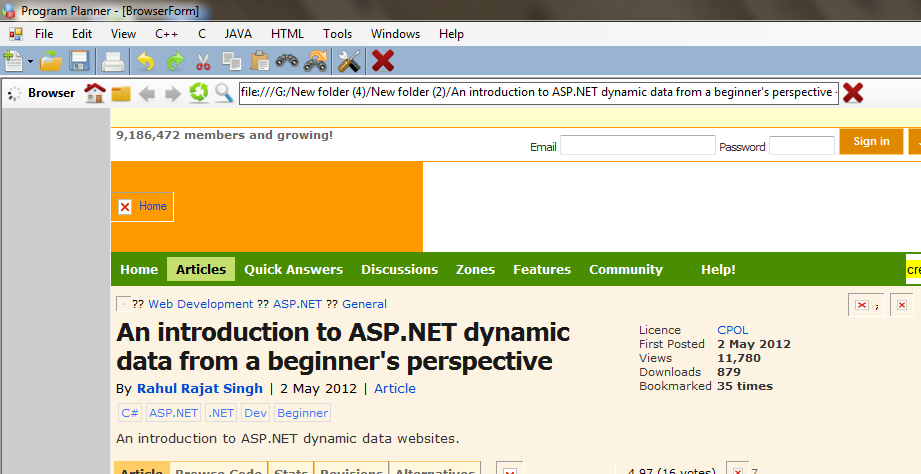
- Built-in Internet Browser enables quick access to coding references without switching applications.
Hassle-Free Configuration
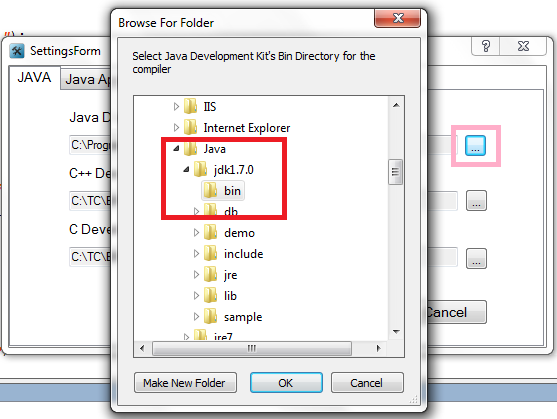
The editor auto-detects required compiler configurations, including:
- Java Development Kit (JDK)
- .NET Framework
- C and C++ compilers
This feature saves setup time and ensures a smooth user experience.
Technology Behind Program Planner 1.0
Built on the stable and performant C#.NET 4.0 (Visual Studio 2010) platform, Program Planner ensures a user-friendly interface suitable for many development needs.
System Requirements
Before installing Program Planner 1.0, ensure your system meets the following:
- Operating System: Windows XP or later
- .NET Framework: Version 2.0 or higher
- Compilers/SDKs: Java JDK, C++, or C (as required)
With these basic requirements, you can start coding immediately without additional setup.
Why Choose Program Planner 1.0?
- Support for 9 programming languages, great for multi-language projects.
- No manual configuration required with auto-detection of SDKs and compilers.
- Tabbed browsing and quick access tools boost development efficiency.
- One-click compile and run saves time during coding sessions.
- Built-in web browser lets you quickly refer to documentation and tutorials.
Whether building a web application, database query, system program, or Windows app, Program Planner 1.0 is designed to handle all these tasks efficiently.