Overview
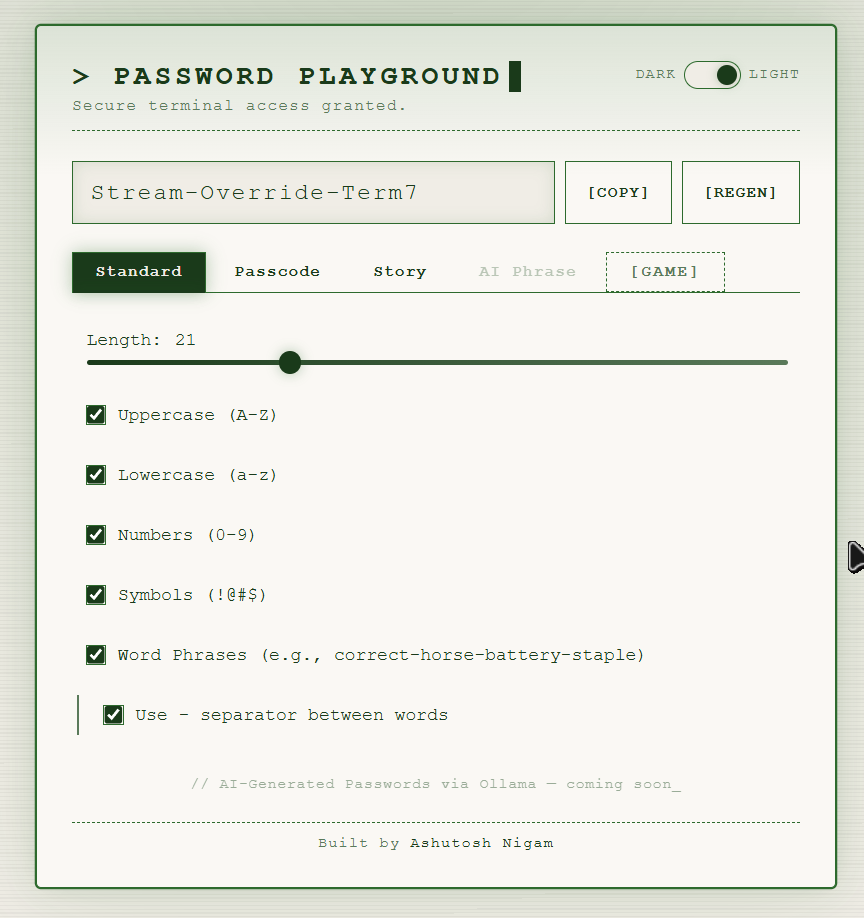
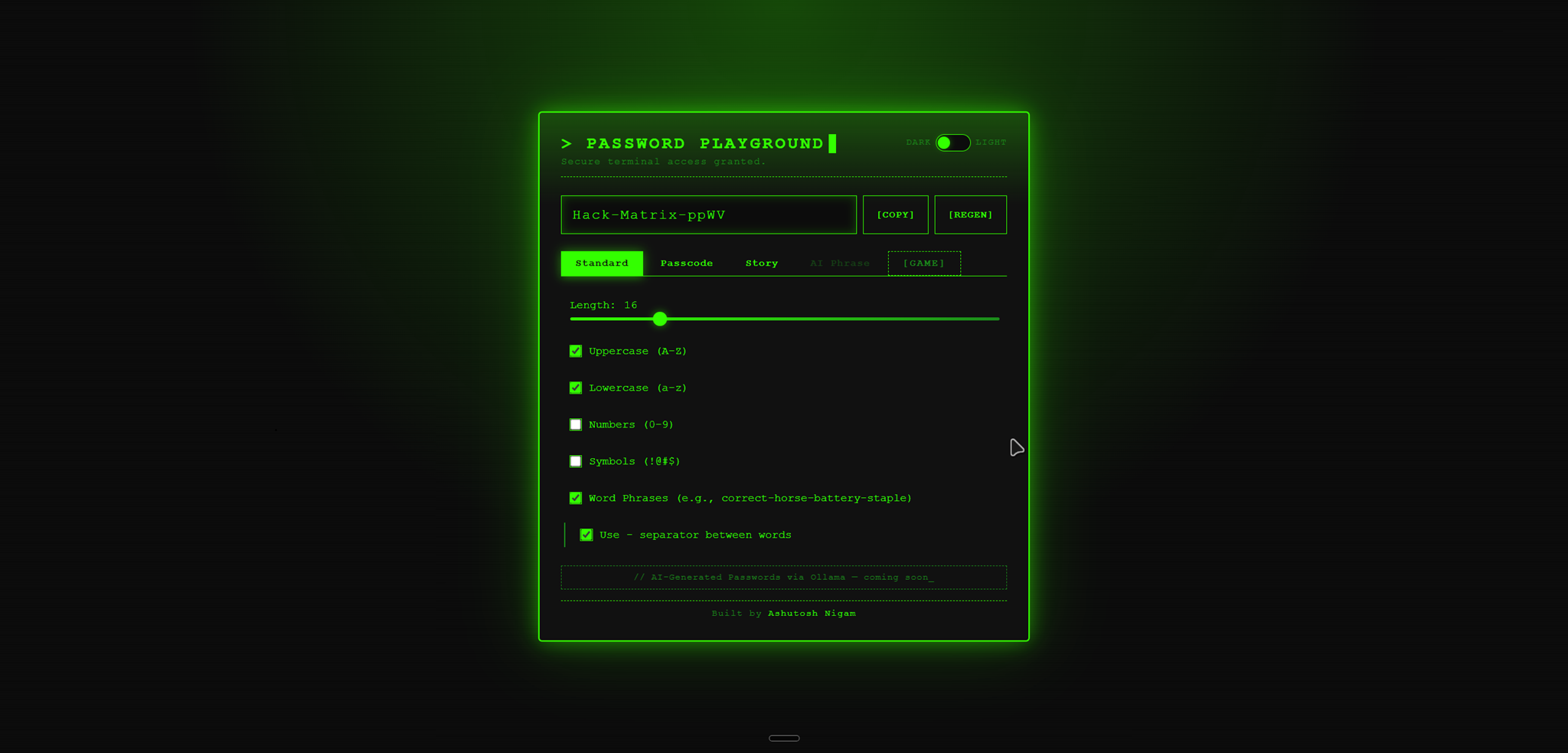
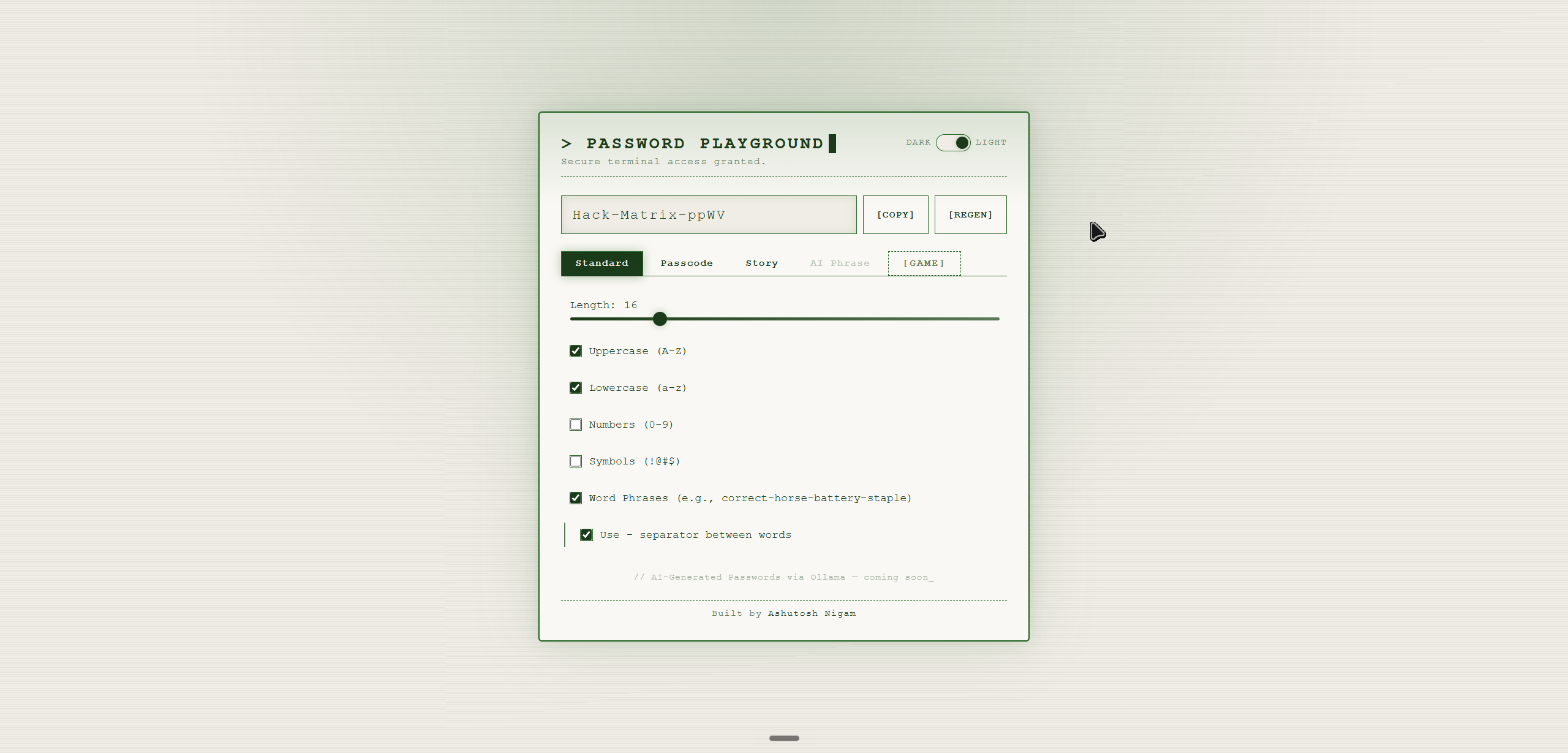
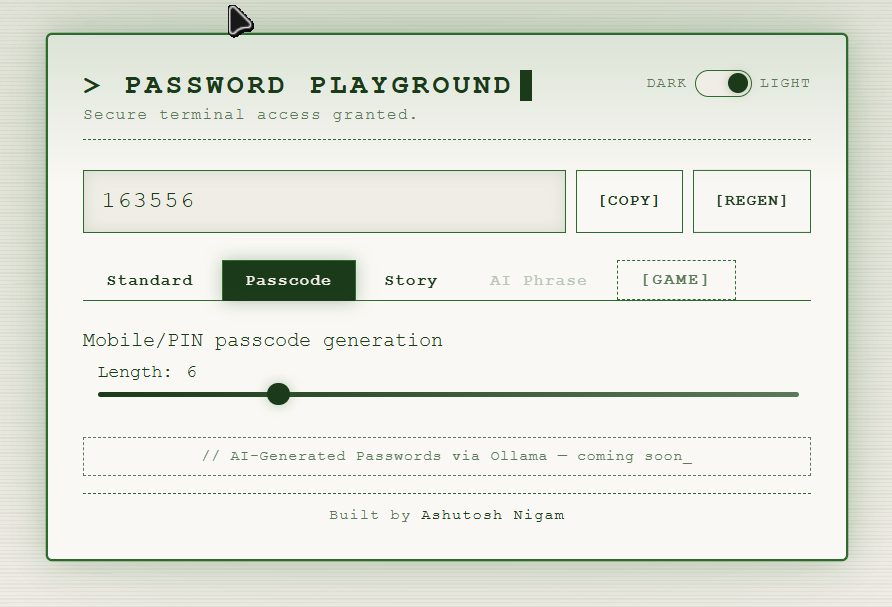
PWPlay is a browser-based password generator with a terminal aesthetic. It offers five distinct generation modes in a tabbed interface — Standard, Passcode, Story, AI Phrase (coming soon), and a Game mode — covering everything from character-set passwords to story-derived passphrases. A dark/light toggle switches between neon-green terminal and clean light themes.
Tech Stack
- Frontend: HTML, CSS, JavaScript
- Security: Cryptographically secure random generation
- Architecture: Responsive single-page web application
- Upcoming: AI-generated passwords via LLM support
Key Features
- Standard Generator — Configurable length, uppercase/lowercase/numbers/symbols toggles, word phrase mode (e.g.
correct-horse-battery-staple), and custom separator support - Passcode Tab — Mobile/PIN numeric passcode generation with an adjustable length slider
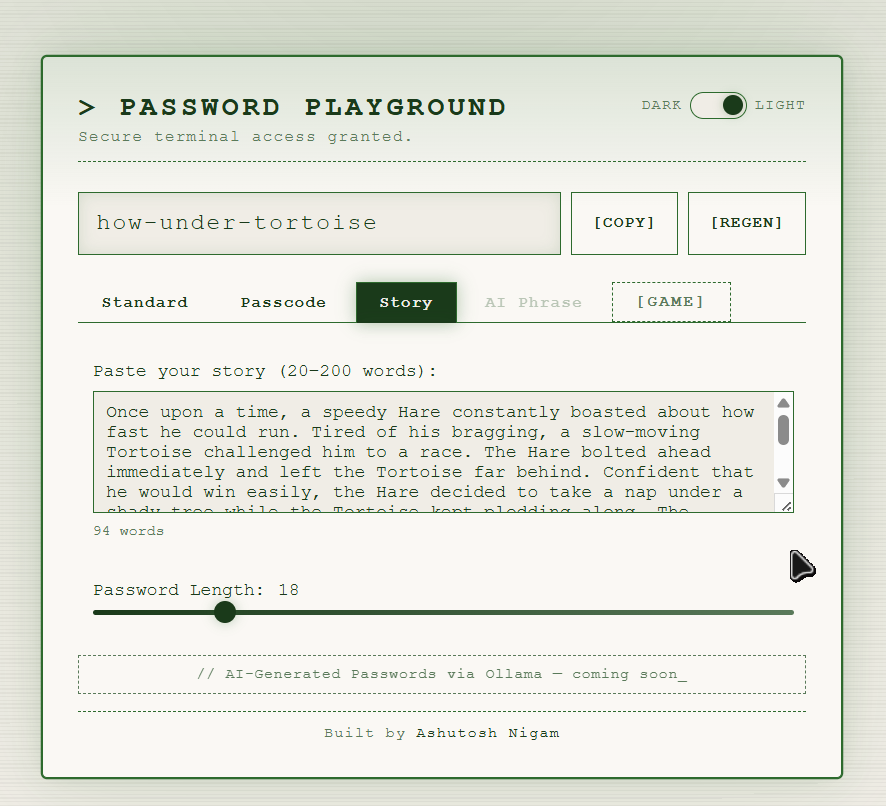
- Story Tab — Paste any story (20–200 words) and derive a password seeded from its content
- Dark / Light Mode — Toggle between a neon-green terminal theme and a clean light theme
- Copy & Regen — One-click copy and instant regeneration from the top bar
- AI Phrase (coming soon) — AI-generated passwords via a local Ollama model
How It Works
- Standard — Pick character sets and length; word phrase mode generates diceware-style hyphenated passwords
- Passcode — Dial in the exact digit count for a numeric PIN
- Story — Input a creative story; the app derives a password from its words and structure
- AI Phrase — Planned: prompt a local Ollama LLM to generate memorable passphrases
Try It Out
Visit the live application at pwplay.mrashutoshnigam.in to generate your next secure password.